Safer digital assistant usage for drivers
How might a voice-forward assistant help drivers keep their eyes on the road? Ride-alongs, driving simulators, and in-the-wild evaluations ahead of a public launch.
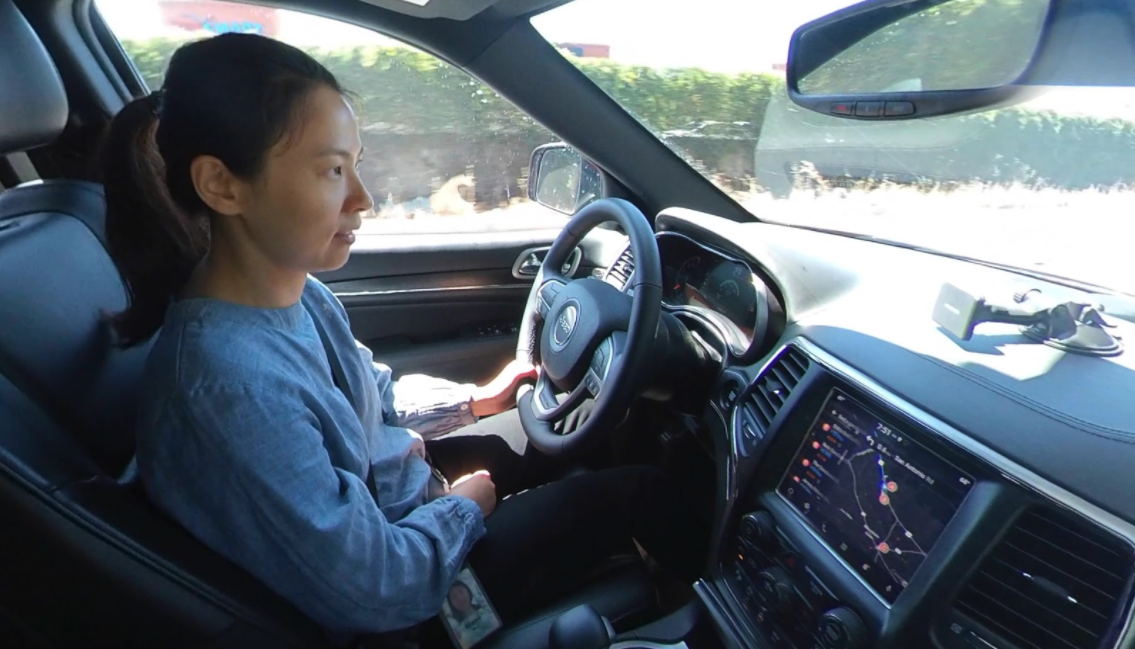
How might we create a safe and seamless digital assistant experience for drivers?
Driver distraction remains a leading cause of automobile accidents and fatalities in the United States (NHTSA, 2019). People double their crash risk when they perform visual-manual tasks on their phone while driving (2018 AAA Report). Yet those statistics don’t deter people from using their phones in the automobile.
Given this, could offering a voice & audio-forward experience save lives – and provide a seamless user experience on the road?
Cars are safer for occupants than ever before. There are also more distractions for drivers than ever before. As smartphone market penetration has gone from 35% in 2011 to 81% in 2019 (Pew Research Center, 2019), phone usage in the car is not going away.
So what could a voice-forward Google Assistant do to help drivers accomplish necessary tasks during active navigation (e.g., adding stops, sharing ETA) while keeping their eyes on the road?
Each section below is its own separate study. Happy to address particular details about these studies in person. Confidential information will not be provided.
Ride-along studies to understand natural routines and behaviors during morning commutes
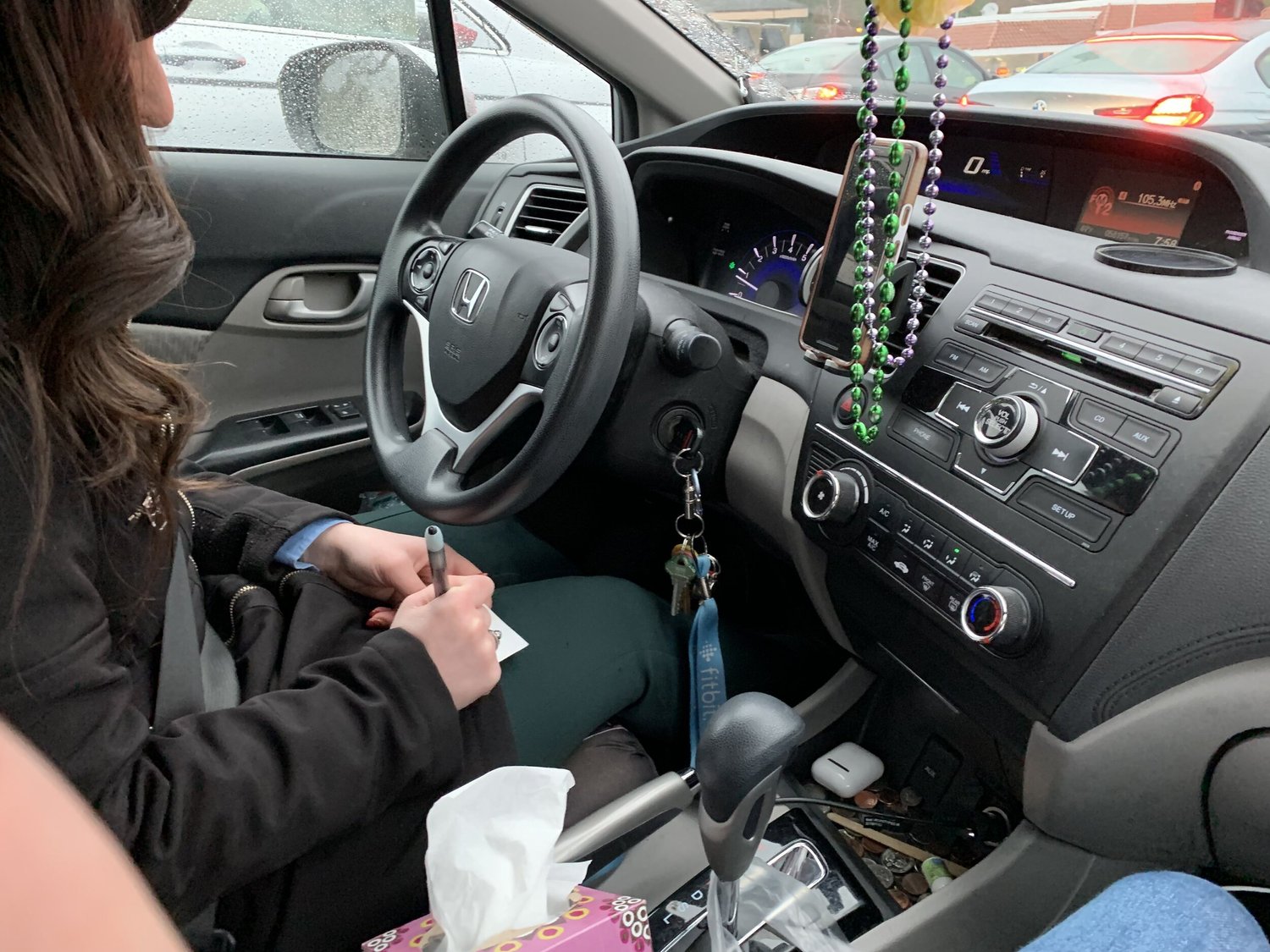
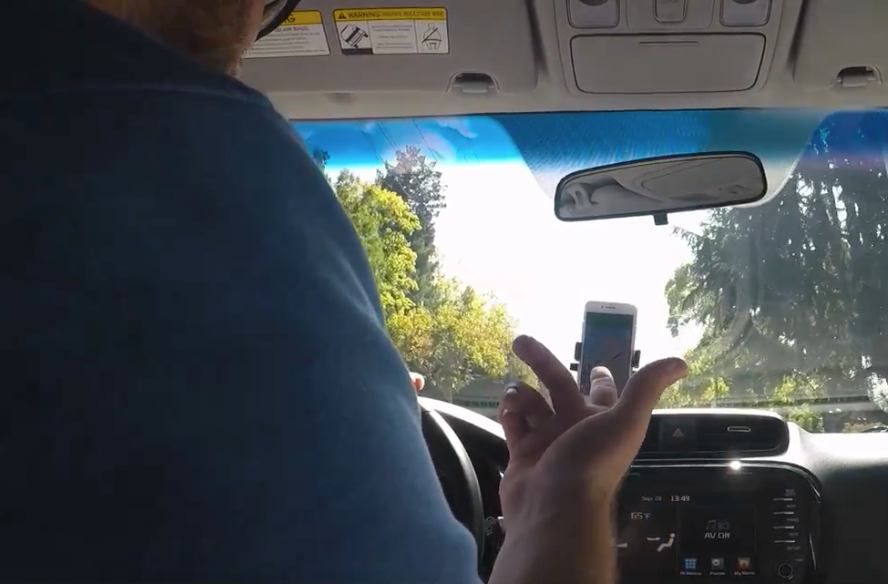
How are digital assistants currently used in the vehicle? What are people’s workarounds to the different kinds of tasks they perform in the vehicle? And what are people’s information needs regarding the morning commute before they even step inside?
I sat in the passenger seat and interviewed + observed drivers as they embarked on their morning commutes around the Bay Area.
Driving simulator studies to understand how voice interaction affects driving performance
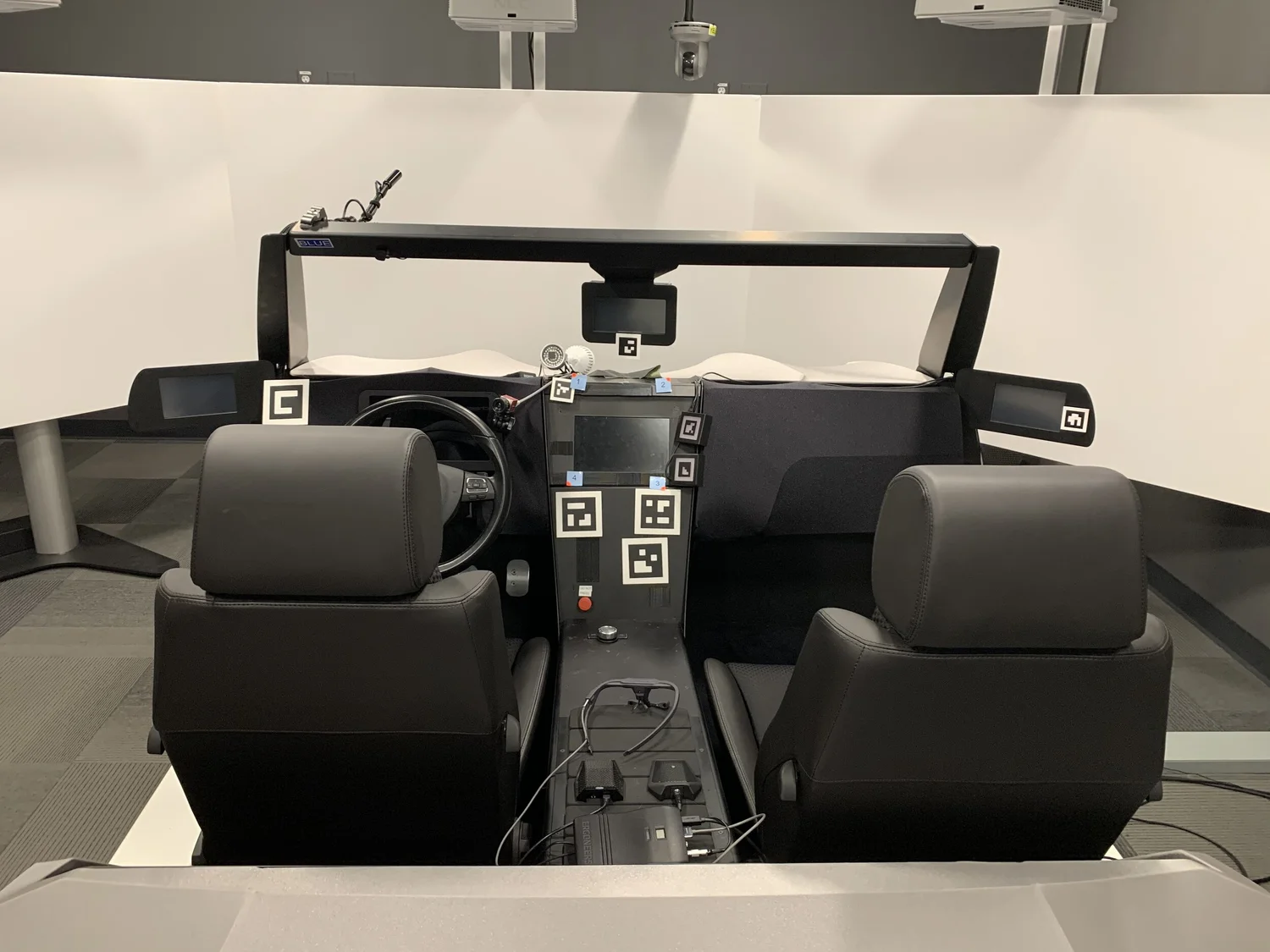
How might particular designs of Assistant dialog or multi-turn conversation affect driver reaction times? Would adding voice actually remove cognitive load? Would adding voice and a conversational experience lead to any perceived improvements in experience?
I asked drivers to complete navigation tasks while administering NHTSA car following tasks, and measured cognitive load using tools like the tactile detection response task (T-DRT) along NASA standard guidelines.
Evaluative studies “in the wild” to further understand driver distraction and potential hiccups
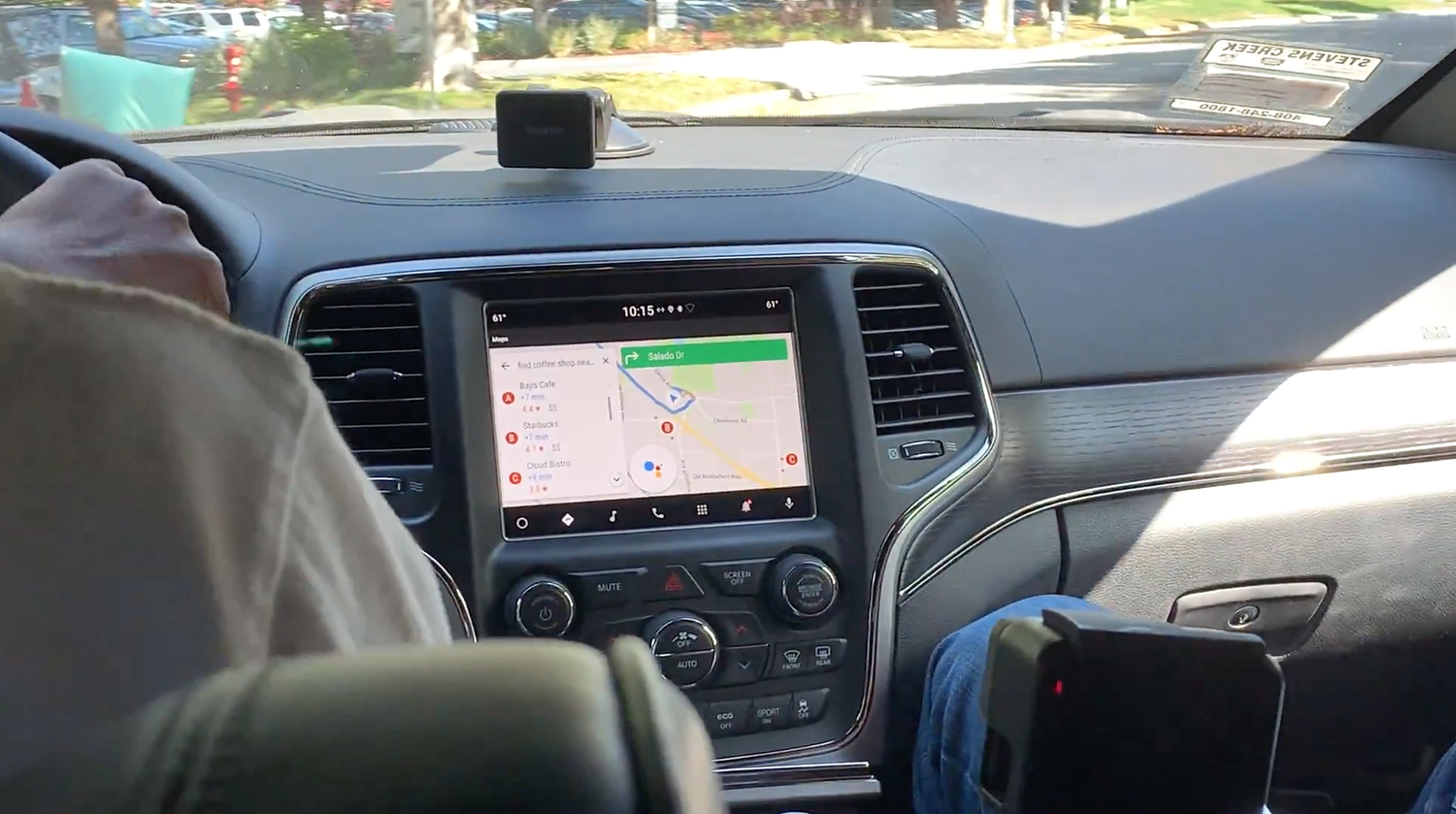
After evaluating the experience inside a driving simulator, we bring back the full context of driving for the Assistant. How does the conversational experience perform during real-world conditions, where drivers must account for traffic, construction sites, pedestrians, and the background noise of everyday life?
Q1 2019: Public launch for the Geo Assistant within Maps!
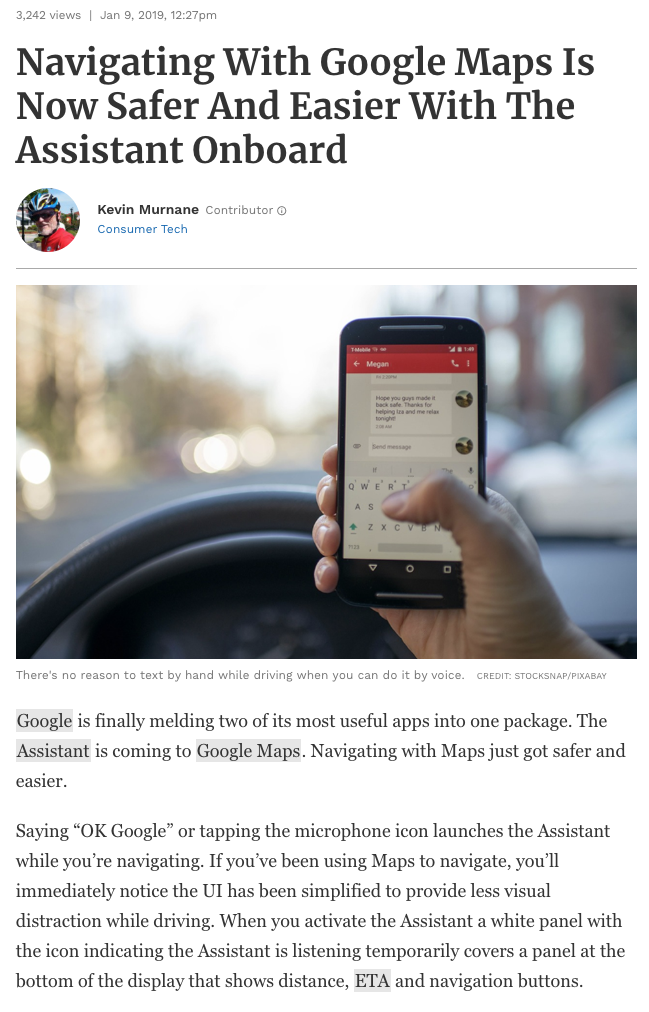
Press article: “Navigating with Google Maps is Now Safer and Easier with the Assistant Onboard” (Forbes, Jan. 2019).
All the research done above was in service of a safe and seamless Assistant experience for drivers – especially before that public release.
Stakeholders were present with us every step of the way: product managers, interaction & conversation designers, engineers. Some even sat in on our driving simulator and ride-along studies. Here are some of the things I did to ensure that this research made an impact on the actual product and wider organization:
- Wrote email newsletters and shareouts to wider internal organizations (e.g., beyond Google Geo Assistant and for other teams like Android Auto, Geo Driving, and other Assistant teams).
- Created video highlight reels to create a bridge between users and stakeholders. During my highlights I focus on what works well, and what does not (focusing on the failures alone would not actually represent the whole story) – and the safety implications for each finding.
- Created bug lists for product polishing and potentially distracting issues, especially before a public launch or shipping products with car manufacturer partners.
- Conducted literature reviews to consolidate past & current research on this nebulous and emerging design space, and to showcase how this research plays a role in the grander research ecosystem.
All this was part of a larger effort to showcase the Google Assistant as a hero in driving use cases, as seen in the public 2019 I/O conference hosted by Google.
An interesting return to human factors research, an early love back in university.
Research and design for driving comes with higher stakes. It’s not a matter of waiting an extra five minutes for the checkout process to continue – for some people, it could mean the difference between life and death. User frustrations & pain points here can become an extra source of distraction and instigator for crash risks. Ultimately, safety is the #1 priority for drivers, and all the other important things that come out of it are simply a bonus. People could crash and seriously hurt themselves or others.
There’s a unique tension between trying to create something that’s safe (to account for the minority of drivers) and something that’s seamless (to account and please the majority of drivers).
Two evergreen challenges I often think about when it comes to driving related research:
- When does a prototype “graduate” from the driving simulator to testing on public roads?
- How do you negotiate the tension between designing for a safe experience (e.g., for the minority of drivers who are responsible for the majority of accidents) and designing for a seamless experience (e.g., interactions that would delight the majority of users)?