Protecting trust: Be My Eyes on AI Glasses
Research with the blind and low-vision community that identified launch-blocking issues, making the business case to delay launch by one month to address bugs, protect product quality, and preserve the trust that depends on it.
A launch on the calendar, and trust on the line.
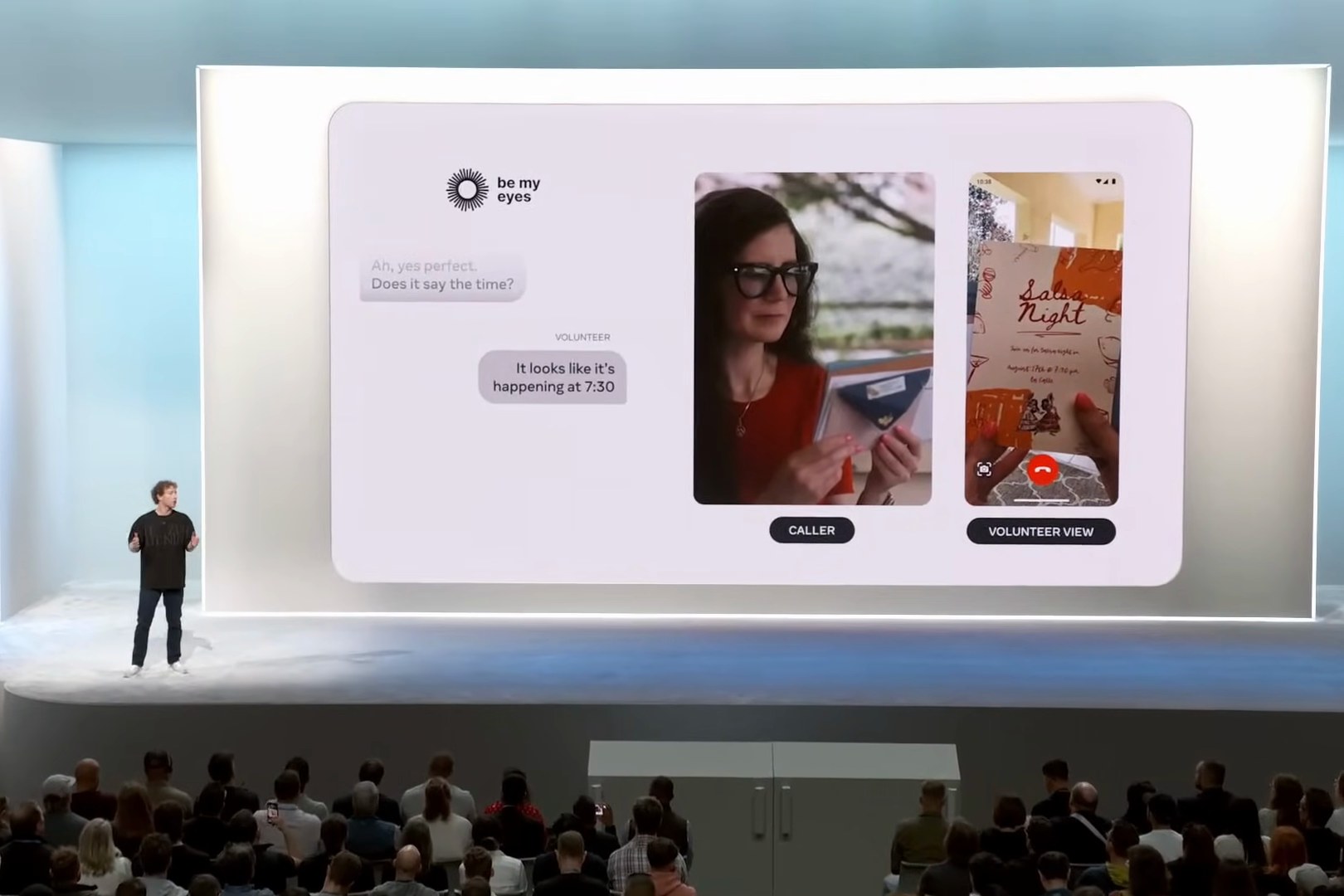
Be My Eyes is a free app that connects blind and low-vision people with sighted volunteers through a live video call — someone to read a label, check an expiration date, or find the right button on a thermostat. Founded in Denmark in 2015, it now has more than 11 million volunteers and over a million blind and low-vision users.
Meta partnered with Be My Eyes to bring that volunteer matching capability to Ray-Ban Meta Glasses, where users can start a call hands-free by voice and share their point of view instead of holding up a phone.
The glasses integration was targeted for an announcement at Connect, Meta’s annual fall event. But quality concerns risked something costlier than a missed date: the trust of the blind and low-vision community.
Testing in living rooms, not just conference rooms.
I stood up a blind and low vision (BLV) internal dogfooding cohort (n=7), then conducted 13 ninety-minute home- and campus-visit sessions across the Bay Area and New York, in partnership with the clinical research science team running their own separate clinical trials in New Jersey, and the Vista Center for the Blind and Visually Impaired.
Findings below are from 13 qualitative interviews (10 in-home visits, 3 campus visits), 90-minutes each. Sessions occurred 8/26/2024 - 9/5/2024 and focused on both the Call-a-Volunteer experience and the “Look and Ask” feature (multi-modal AI) for object, text, and scene recognition.
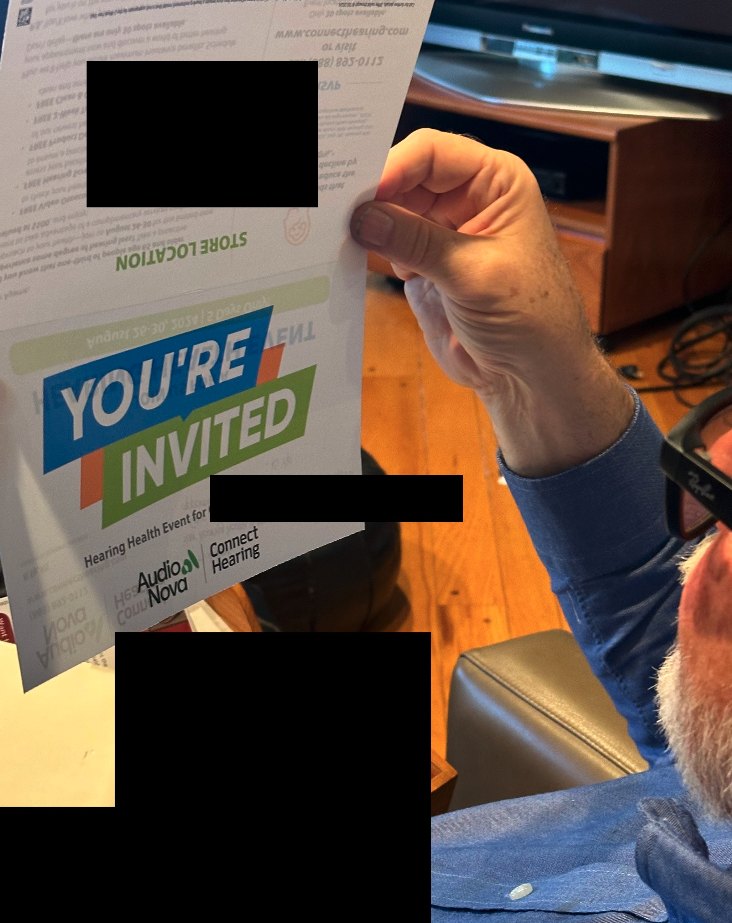
Below are some sample findings, with some details hidden or changed to protect confidentiality. They should give a sense of how I construct narratives from qualitative data.
What was blocking launch.
TL;DR – Participants were excited to use Call-a-Volunteer on glasses, and were delighted when it worked. However, XX out of 13 (XX%) participants required live guidance from the team after getting stuck while starting Call-a-Volunteer. To unlock the value of Call-a-Volunteer on glasses for public launch, we’ll need to provide these three capabilities: 1) flexibility in Assistant invocation for Call-a-Volunteer, 2) reliable Call-a-Volunteer triggering after successful Assistant invocation, and 3) product education for critical features like higher resolution camera capture & camera POV toggles between glasses and phone – especially when top desired use cases include reading mail, product labels, and fine print.
- Accurate & more flexible Assistant triggering for Call-a-Volunteer. Assistant invocation issues affected every participant, but was a blocker for 6 out of 13 (46%) participants. 6 out of 13 participants needed to be told explicitly to use “Hey Meta, Be My Eyes” instead of other natural phrases like “Hey Meta, call Be My Eyes” after multiple attempts. This even happened after going through the onboarding flow where the proper voice command is explained. Recommendation: Adding flexibility for verbs like “call”, “use”, and “open” in addition to “Be My Eyes” and “volunteer” will make a big difference in making Call-a-Volunteer feel natural and easy to use for smart glasses wearers in the BLV community.
- Reliable Call-a-Volunteer triggering & connecting after successful Assistant invocation. Even when the voice command is recognized & the Assistant gives confirmation that it has heard the command – Be My Eyes gets stuck on the mobile app screen without triggering the Call-a-Volunteer experience on glasses. This was a blocker for X out of 13 (XX%) participants. Starting Call-a-Volunteer manually via the big “Call a Volunteer” button on the mobile Be My Eyes app works each time, but participants hope to be able to use Glasses alone for this workflow, especially when they are wearing it.
- Product Education for both sighted volunteers & BLV users on critical features like: a) higher resolution photo capture on Ray-Ban Meta Glasses specifically, b) toggling phone & camera perspective, and even c) how to hang up on the call. Reading the mail, reading fine print, reading signs – these are important tasks where taking a photo mid-call is critical for task completion. Recommendation: Can we mention these capabilities within the Meta AI app and Be My Eyes, the same way we mention the specific wake word to activate the Call-a-Volunteer feature? The general public will not have the luxury of having a Meta employee, a moderator, or Be My Eyes advocate guiding them live.
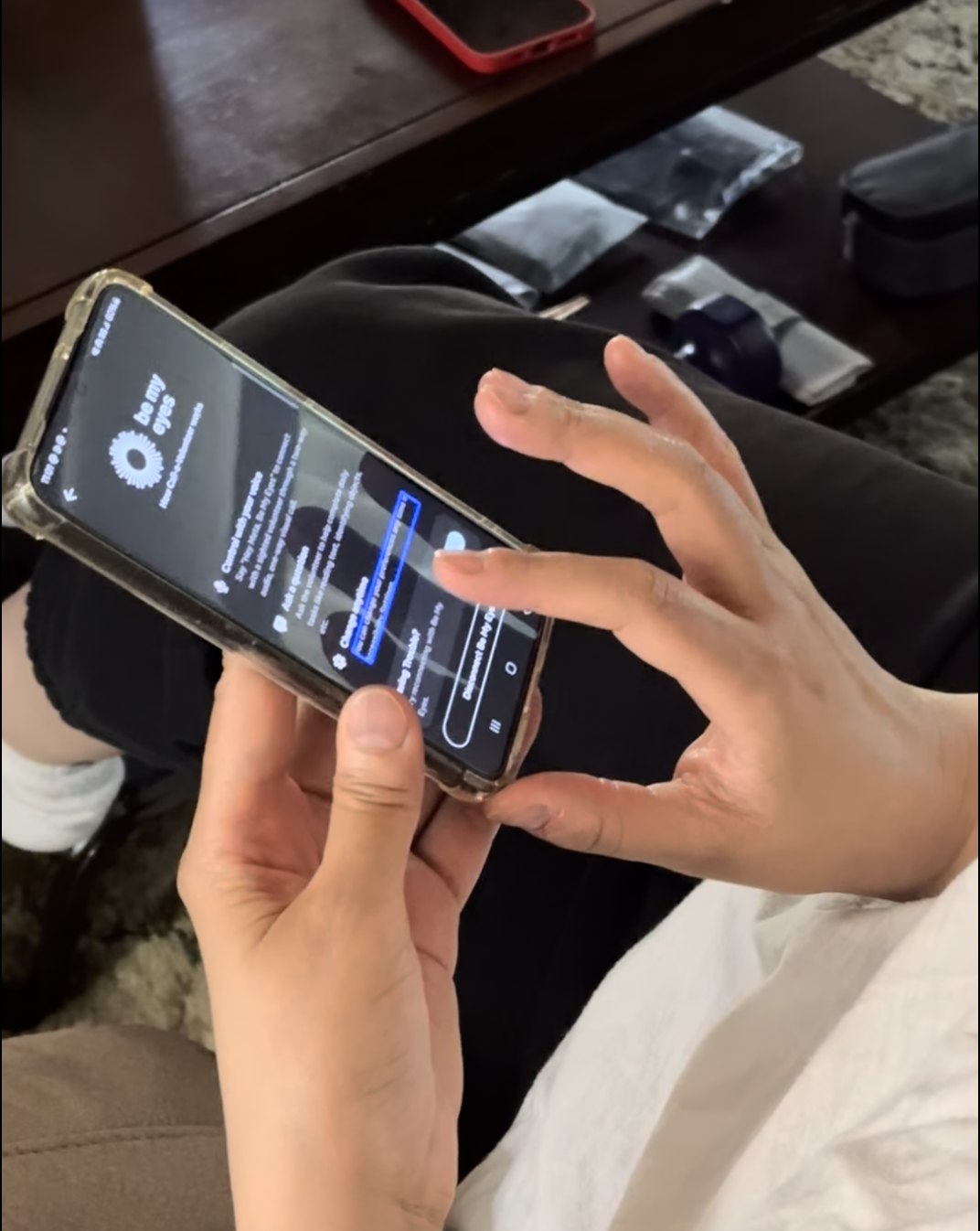
What people actually said to start a call
These are all the phrases beyond “Hey Meta, Be My Eyes” that participants tried out and expected to be able to work to activate Call-a-Volunteer.
| ”Hey Meta, Call a Volunteer” | P1, P7, P11 |
| ”Hey Meta, Call Be My Eyes” | P4, P10, P11 |
| ”Hey Meta, Launch Be My Eyes” | P3 |
| ”Hey Meta, I need Be My Eyes” | P4 |
| ”Hey Meta, open up Be My Eyes” | P4 |
| ”Hey Meta, Be My Eye” [singular] | P7 |
| ”Hey Meta, call using Be My Eyes” | P9 |
| ”Hey Meta, call a volunteer with Be My Eyes” | P12 |
When it works, it works.
Here’s the good news: when it works, it works – participants are excited for the hands-free capabilities from the glasses, especially current users of Be My Eyes on the mobile phone.
Finding a dropped AirPod earbud on the ground. No photo capture required here, the resolution from the video call was good enough to find the lone Airpod on the floor of the participant’s home.
Reading the mail. There are two Call-a-Volunteer calls present within the following clip. During the first Call-a-Volunteer call, the sighted volunteer does not take a photo of the mail. During the second Call-a-Volunteer call, the photo capture is done, allowing for completion of the task.
Glasses viewed as more convenient compared to current solutions on mobile phone.
The Ray-Ban Meta Glasses form factor eliminates key frictions (1: camera angling & 2: interface navigation) in multi-modal AI (MMAI) workflows for the BLV community. Eliminating those two key frictions is especially helpful for quick object identification and text reading tasks, which make up the bulk of reported MMAI usage, such as the “Look and Ask” feature. Ray-Ban Meta Glasses usage is perceived to be faster than pulling out the phone, navigating through menus in digital apps, and angling the phone camera precisely. All 14 out of 14 participants preferred using glasses for these reasons, even when there are other robust options currently available on mobile phones (e.g., SeeingAI, BeMyAI within Be My Eyes).
Takeaway: Speed and ease of use can be where Detailed Responses on Ray-Ban Meta Glasses shines compared to existing digital solutions on the phone, which often require 1) pulling out the phone, 2) opening up the app, 3) navigating towards a specific specialized mode option, 4) angling the camera, and 5) taking the photo if applicable. Compare that to invoking a voice command to glasses that you are already wearing.
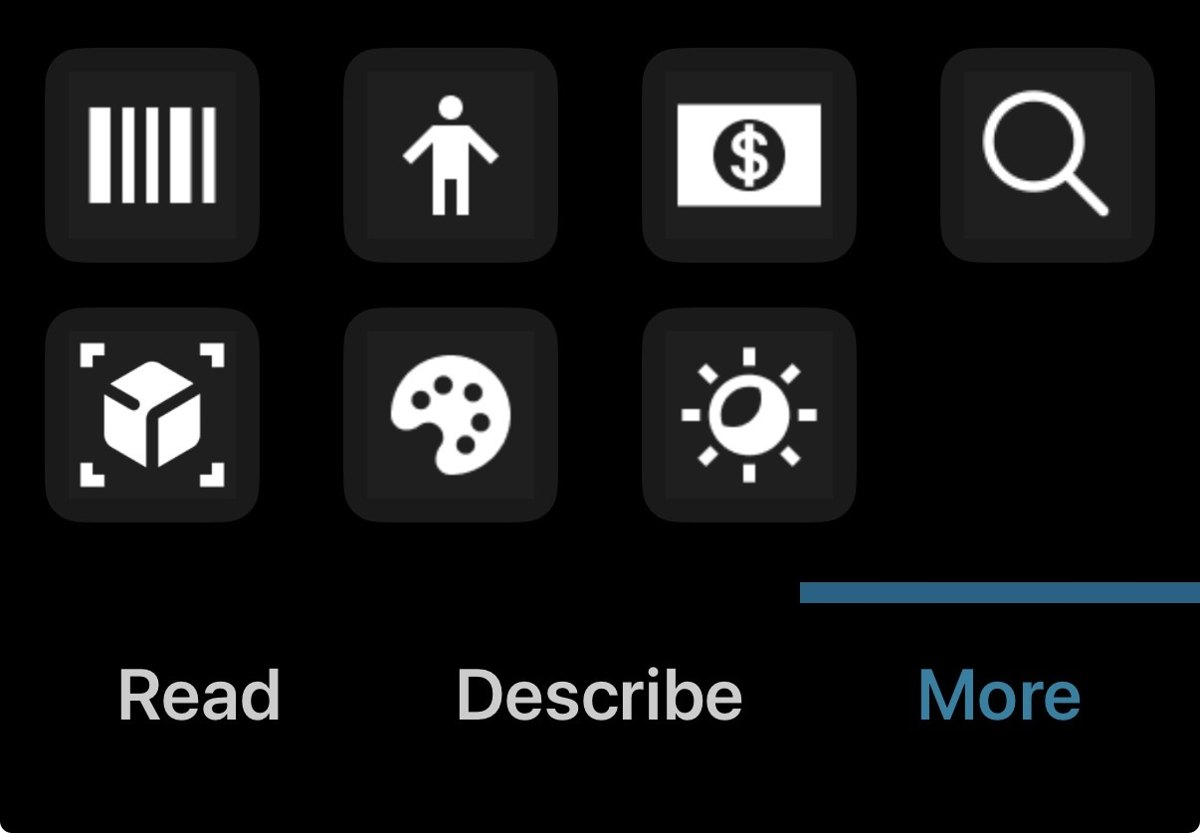
Example: In SeeingAI from Microsoft, there are 9 different modes to choose from in the starting screen, with short text at the starting position.
Top use cases
Below are the kinds of tasks that participants tried out general MMAI on.
- Identifying and describing 3D objects (e.g., which bottle is Advil, color of toy blocks for organization, soft drink cans, vehicles outside, spices): XX out of 14 participants
- Reading printed material (especially the mail), product & package labels, restaurant menus, receipts: X out of 14 participants
- Identifying signs, especially while outdoors (including building numbers, mailbox numbers, cross streets): X out of 14 participants
- Identifying buttons on appliances (e.g., fridges, blenders, exercise machines – especially those with flat displays): X out of 14 participants
- General scene descriptions (indoors & outdoors – often used as a precursor to identifying signs or objects): X out of 14 participants
Many of these use cases (especially in regards to reading text, object identification, needing help with regular appliances) overlap with Call-a-Volunteer’s top use cases. General workflow: Most participants use general MMAI / an existing asynchronous tool first – and if that doesn’t work, request sighted help either from surrounding people, friends, partners, or remotely via Be My Eyes Call-a-Volunteer, or premium paid services like AIRA.
Where the AI can help itself
Opportunity: Beyond improving accuracy, we can increase the utility of MMAI by providing suggestions & feedback for troubleshooting (especially for reading text and object identification). For example, even listing out possible reasons for why something can’t be read or identified (e.g., document is upside down, part of the 3D object is occluded or needs repositioning) can help unblock daily use cases for the BLV community.
General MMAI capabilities on a wearable is already a compelling reason to buy Ray-Ban Meta Glasses. We had X out of 14 people in this study who already had their own pair of Ray-Ban Meta glasses before starting the study. Out of those, X out of 5 bought the retail Ray-Ban Meta Glasses with their own money. The audio output of MMAI (stereo audio on glasses as opposed to hearing it spoken out loud on the phone) is also a competitive advantage.
A month's delay that protected the product's promise.
The evidence gave the team the confidence to move the launch from October to November 2024 to meet the quality bar the community’s trust required. The top-five utterances shipped into the public accessibility FAQ, the capture-quality finding drove higher-resolution mid-call capture for key use cases, and the in-the-wild use-case corpus went on to inform Live AI investment decisions.